
Market Structure
Levels.
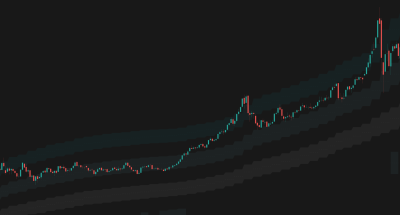
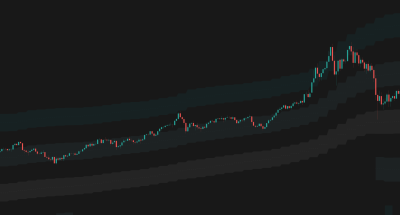
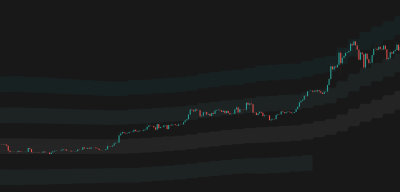
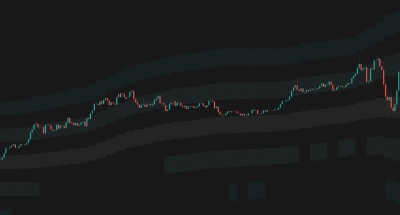
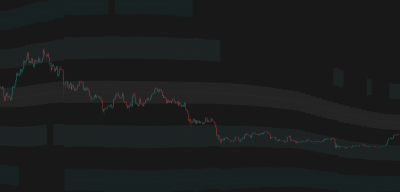
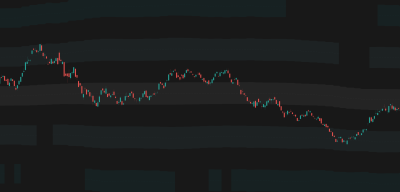
Dynamic support and resistance levels that automatically adapt to market volatility and price action, providing a structured grid for trading.

Overview
The Problem
Static support and resistance levels quickly become obsolete as market conditions change. Drawing them manually is subjective and time-consuming. Fixed-distance bands don't account for expanding or contracting volatility.
The Solution
Market Structure Levels uses an advanced algorithm to generate a dynamic grid of support and resistance zones. It automatically adjusts the distance between levels based on current market conditions, ensuring the levels remain relevant in any market regime.
Who It's For
Reversal traders, range traders, and anyone needing objective, dynamic support and resistance zones.
Key Features
Dynamic Level Generation: Automatically calculates support and resistance levels based on a central moving average.
Dynamic Spacing: Intelligently adjusts the distance between levels as volatility expands or contracts.
Smart Tracking: Tracks price movement to keep the most relevant levels in focus.
Multiple MA Types: Choose from 8 different moving average algorithms (including KAMA, HMA, and EMA) for the base level.
Smart Display Strategies: 'Mild' or 'Aggressive' modes to hide irrelevant far-side levels and keep your chart clean.
How It Works
Base Level Calculation
The indicator starts by calculating a central baseline using your chosen Moving Average type and length. This acts as the 'fair value' or center of gravity for the market.
Adaptive Spacing
The indicator automatically determines the optimal distance between levels. The grid expands during high volatility and contracts during low volatility.
Dynamic Adjustment
The indicator continuously monitors price action. If the market moves significantly, it re-adapts to ensure the levels remain relevant and properly spaced.
How To Use
Quickstart
- Add Market Structure Levels to your chart.
- Select your preferred MA Type and Length for the base level.
- Adjust the 'Band Height Factor' to set the width of each individual level zone.
- Use the 'Levels Distance Factor' to control how far apart the different levels are from each other.
- Choose a Display Strategy ('Mild' or 'Aggressive') to keep your chart uncluttered.
Interpretation
- Base Level: Acts as the primary trend filter. Price above is generally bullish, below is bearish.
- Inner Levels (1-2): Often act as first targets or minor support/resistance in a trending market.
- Outer Levels (3-5): Represent extreme deviations from the mean. Good areas to look for mean-reversion or exhaustion setups.
- Level Channels: The filled areas between the lines act as zones of support/resistance, rather than exact price points.
How We Use It
Ideas from our team applying Market Structure Levels in real market conditions.
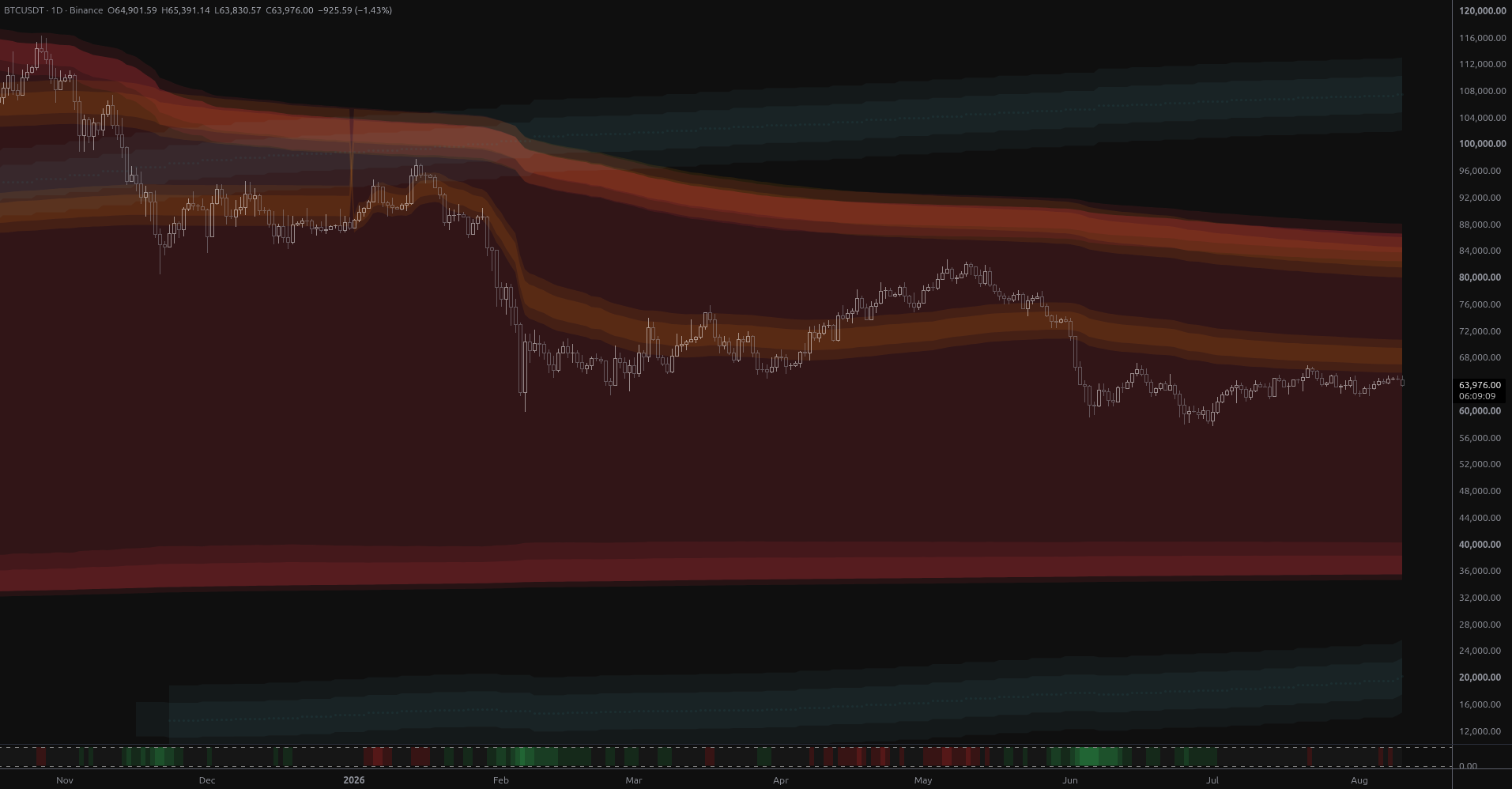
BTC Coils Just Under Its Yearly Value Rail
Bitcoin is coiling at $64,901 just 1.8% below its year-anchored value rail at $66,048, with structural bands far away in both directions. Ranked scenarios, key levels and the air pocket below $57,800.
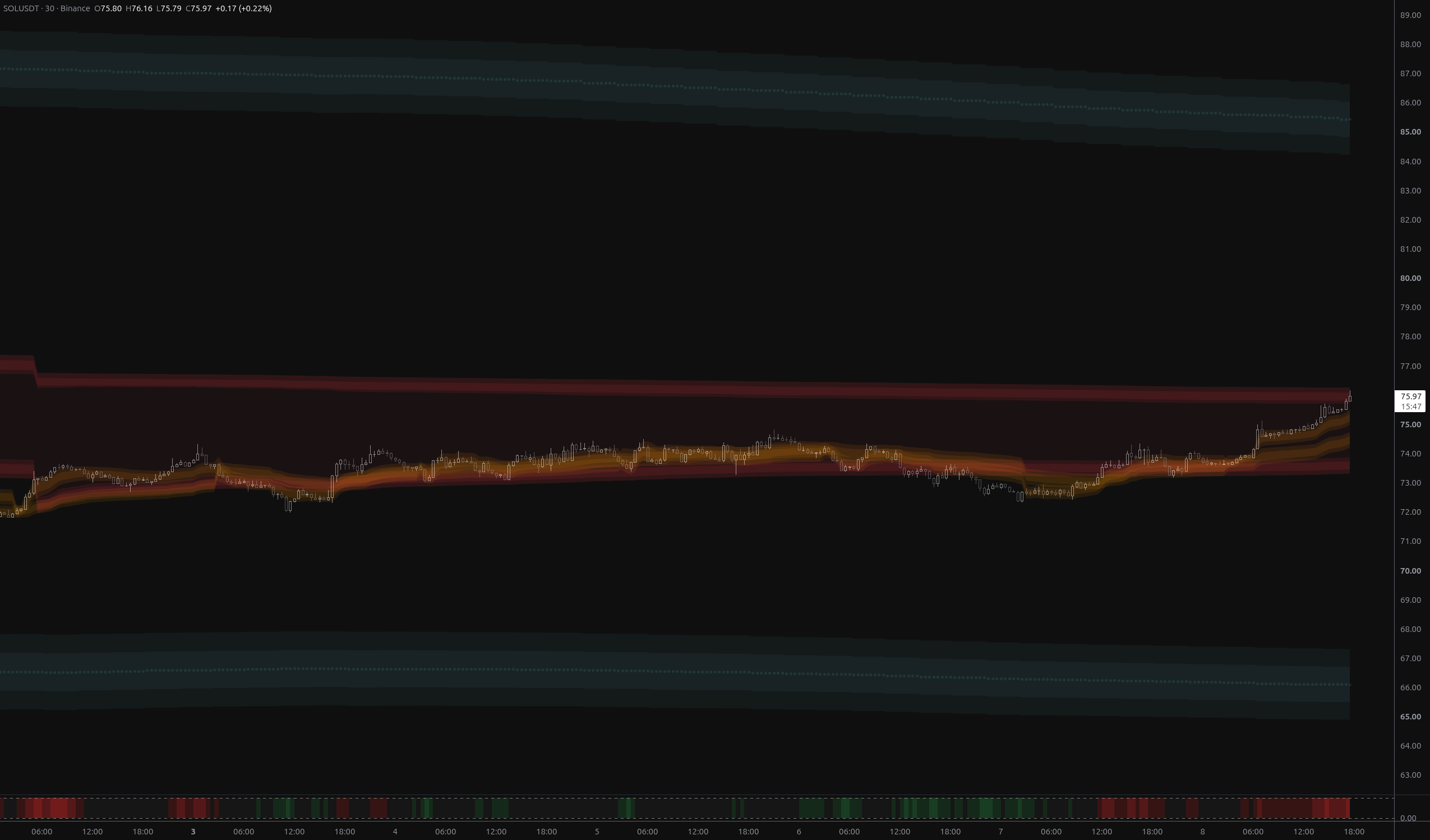
SOLUSDT: Bears Invalidated, $76.27 Now the Test
SOLUSDT has fully reversed the breakdown, reclaiming both fair-value envelopes and flipping its nearest structural band to above_1. The $75.73–$76.27 rail zone is now the decisive test.
BTCUSDT: Breakout Into Open Structural Air
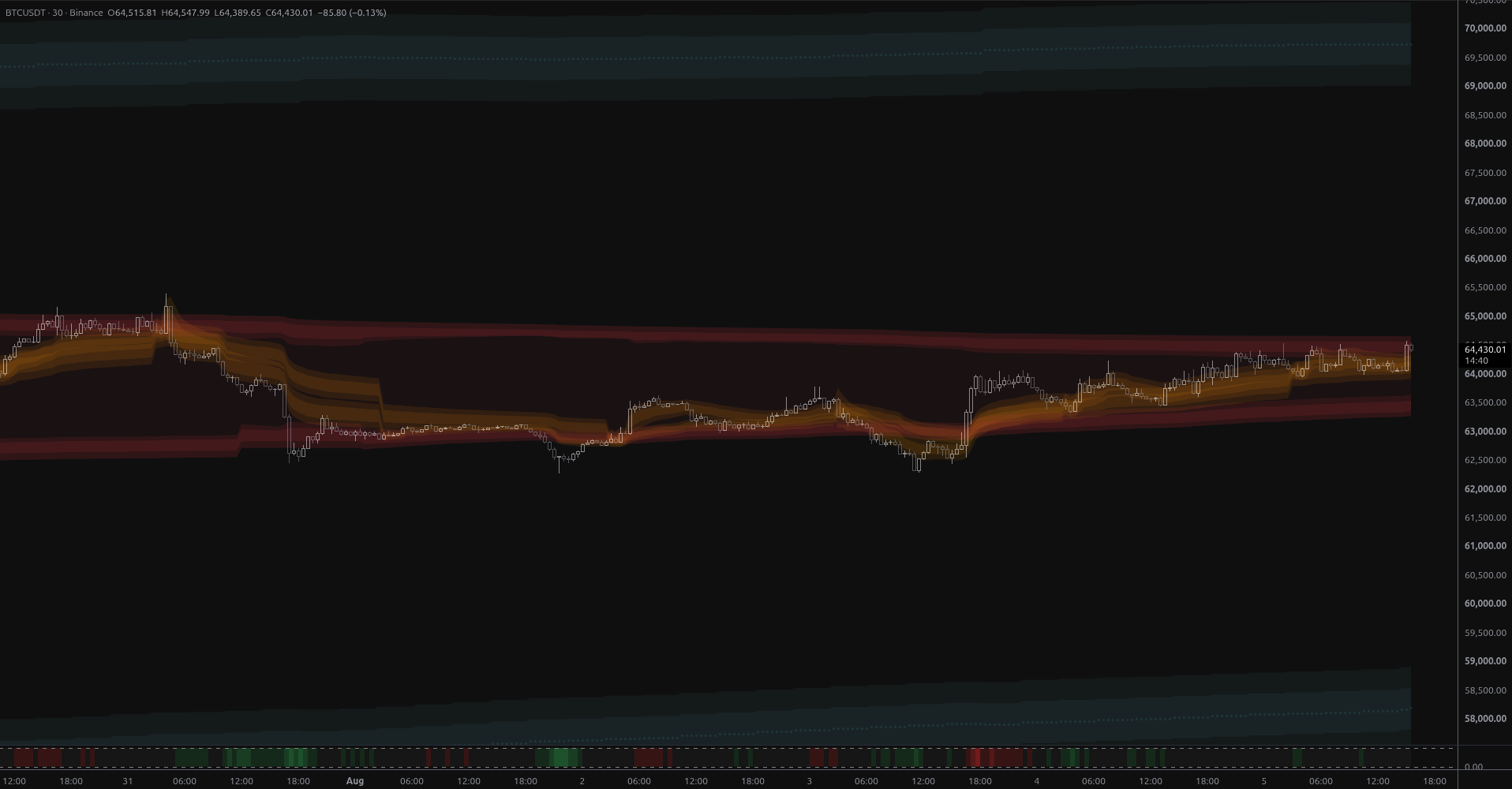
BTCUSDT broke above week-scale anchored value on 2.7x volume, leaving it stranded in structural open air with the nearest MSL band 6.8% overhead at $68,925 and no support until $59,012.
Visual Legend
| Element | Meaning | Interpretation | Common Mistake |
|---|---|---|---|
| Base Line | The central moving average. | Determines the overall market bias. | Ignoring the slope of the base line when taking trades at the outer levels. |
| Level Lines | Dynamic support and resistance boundaries. | Potential areas for price reactions or reversals. | Placing stops exactly on the lines; use the zones instead. |
| Filled Channels | Support/Resistance zones. | Areas where price is likely to consolidate or reverse. | Assuming price will always reverse at the first zone it touches. |
Settings Reference
Main
Advanced: Levels Distance
Advanced: KAMA
Advanced: Display
Style
Alert Types
Level Midline Crossed
Triggered when price crosses any of the level midlines.
Entered Level Channel
Triggered when price enters any of the level channels.
Levels Adjusted
Triggered when the indicator recalculates and adjusts the level spacing.
Crossed Above Base
Triggered when price crosses above the base moving average.
Crossed Below Base
Triggered when price crosses below the base moving average.
Frequently Asked Questions
This is the dynamic spacing at work. When market conditions change significantly, the indicator re-adapts to keep the levels relevant.
Mild gradually hides levels that are far away on the opposite side of the price action. Aggressive strictly limits visibility to only the 1 or 2 levels immediately surrounding the current price, keeping the chart very clean.
No, Market Structure Levels does not repaint historical data.
Choose Your Plan
Get access to Market Structure Levels with the subscription below
Elite
- Adaptive MA Bands
- Price Rejection Oscillator
- Supply/Demand Zones
- Value Area Heatmap
- Anchored VWAP Channels
- Anchored VWAP Heatmap
- Market Structure Levels
- Premium ideas: Full Access to our Premium Ideas
- Support: Email (1-2 business days) + Discord Live Support
- 30-day money-back guarantee
Elite
- Adaptive MA Bands
- Price Rejection Oscillator
- Supply/Demand Zones
- Value Area Heatmap
- Anchored VWAP Channels
- Anchored VWAP Heatmap
- Market Structure Levels
- Premium ideas: Full Access to our Premium Ideas
- Support: Email (1-2 business days) + Discord Live Support
- 30-day money-back guarantee
Related Indicators
Other indicators that complement Market Structure Levels.
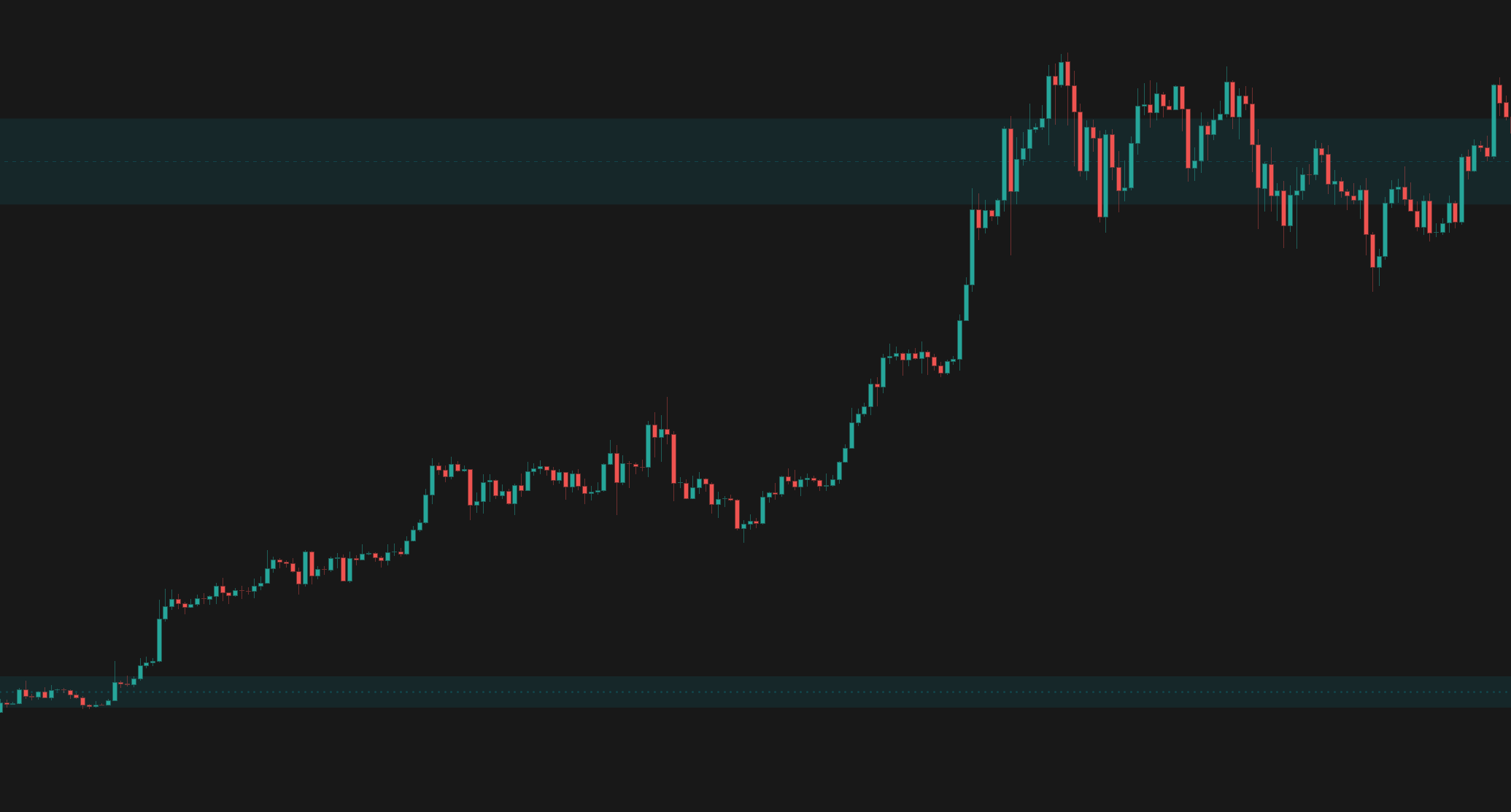
Supply/Demand Zones
Automatically identifies high-probability Supply and Demand zones using advanced volume calculations and price action pattern recognition.
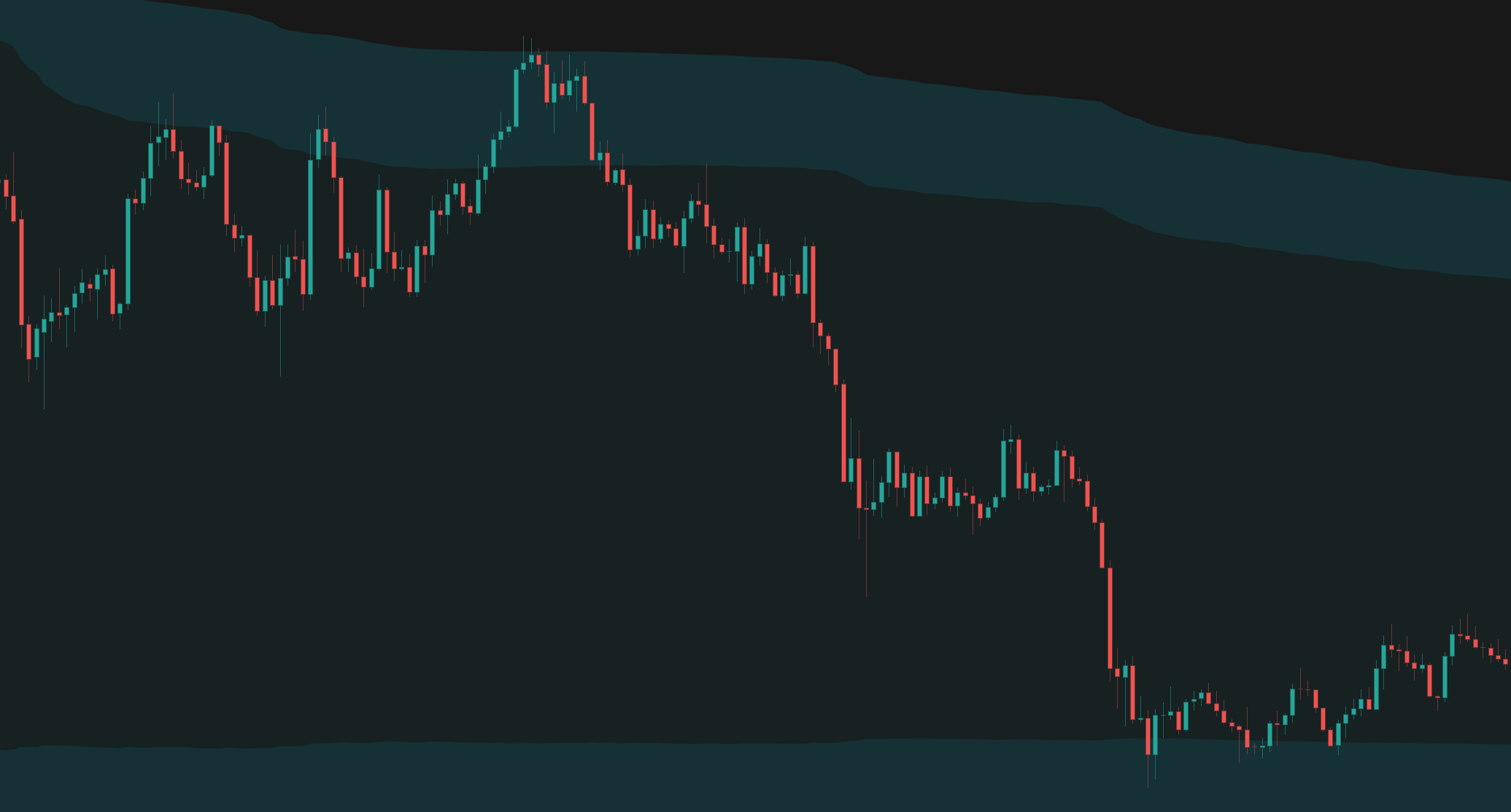
Anchored VWAP Channels
Anchored VWAP Channels that dynamically track volume-weighted average price from significant pivots or time periods, complete with volatility bands and historical levels.
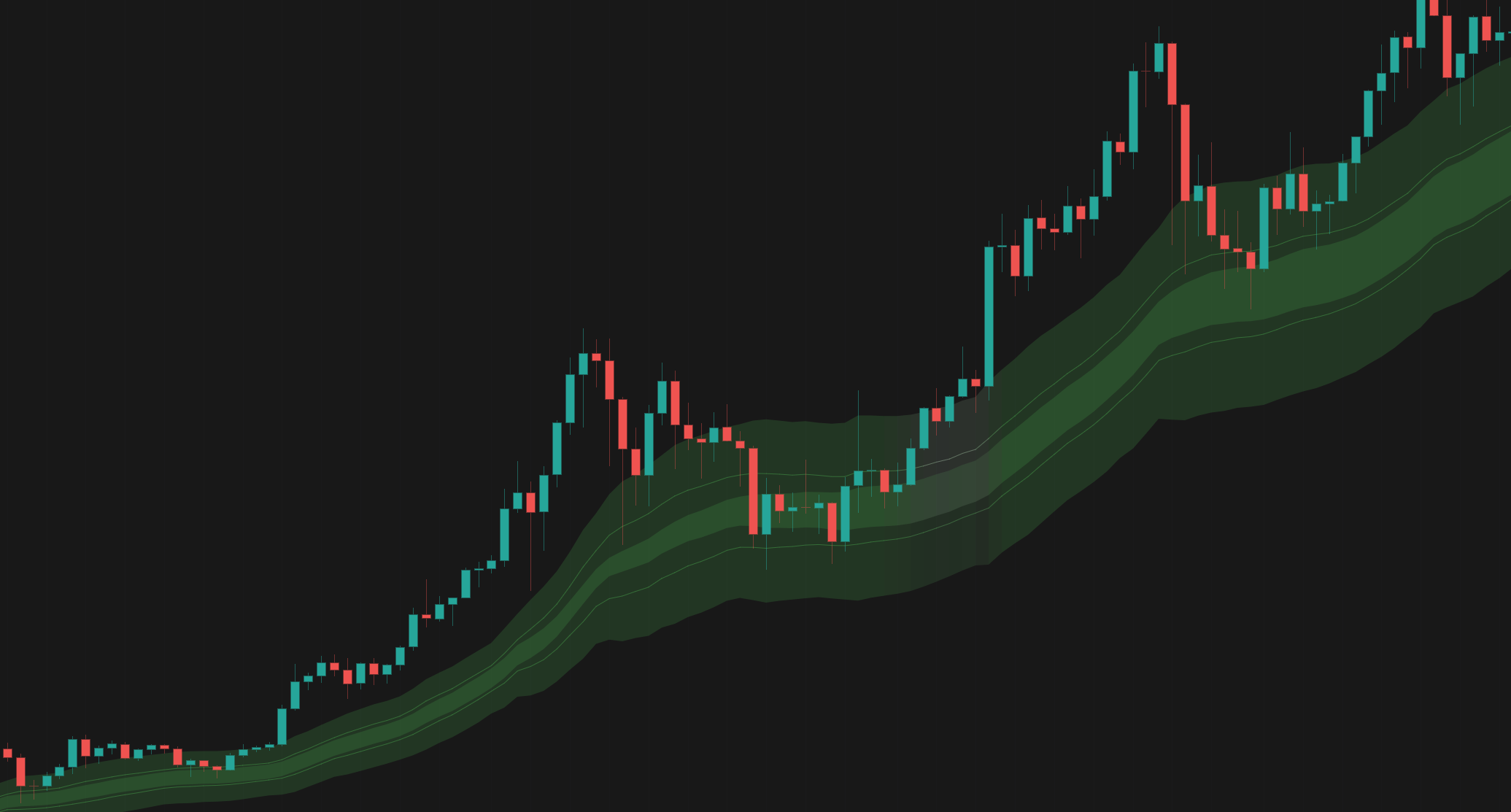
Adaptive MA Bands
Advanced moving average algorithms that automatically adapt to market conditions, filtering out noise in choppy markets while capturing trends early.
Connect With Us
Join our community of traders and stay updated with our latest tools and market insights.