
Adaptive MA
Bands.
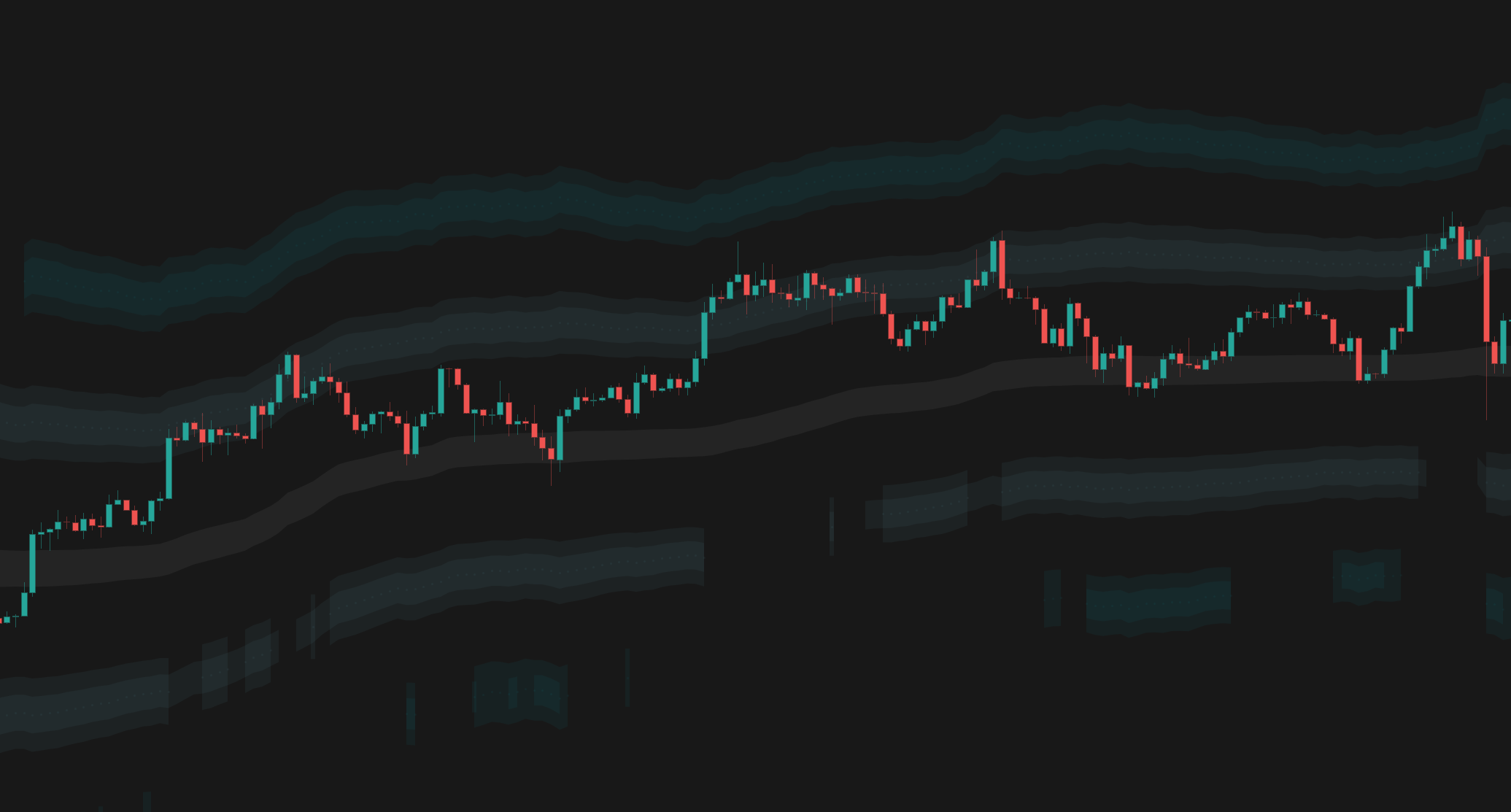
Advanced moving average algorithms that automatically adapt to market conditions, filtering out noise in choppy markets while capturing trends early.

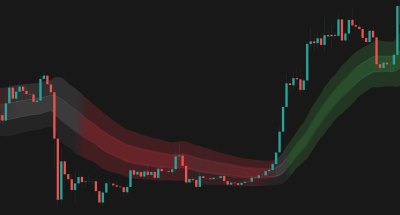
Trend reversal detection - BTCUSD, 1D
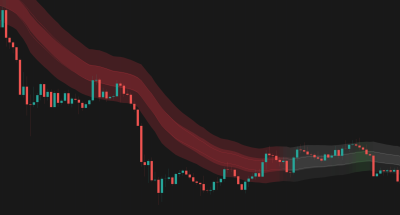
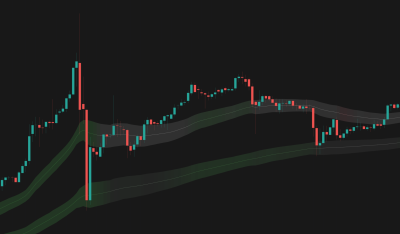
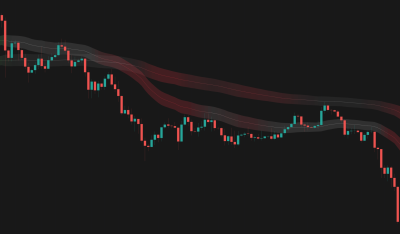
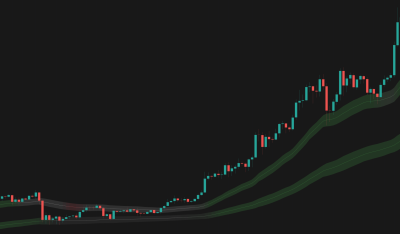
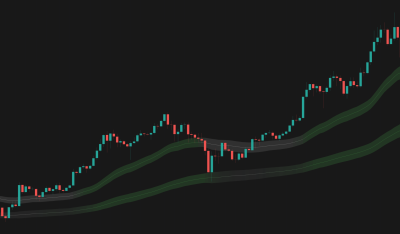
Overview
The Problem
Standard moving averages (SMA, EMA) struggle with the "lag vs. noise" dilemma. Make them fast, and you get whipsawed in chop. Make them slow, and you miss the trend entry. They treat every price movement the same, regardless of market context.
The Solution
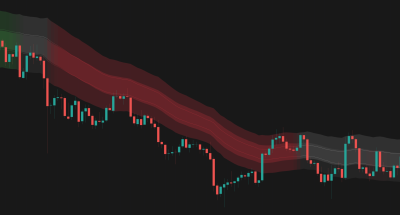
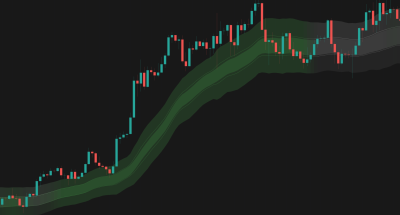
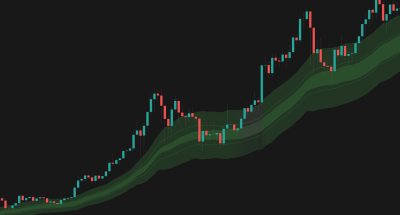
Adaptive MA Bands solves this by using advanced algorithms that adjust their smoothing dynamically. The indicator automatically becomes "slower" in chop to avoid fake-outs and "faster" in trends to capture moves early. It wraps this logic in dynamic bands to provide Support & Resistance zones that adjust to the current market.
Who It's For
Trend traders, swing traders, and systems needing a dynamic baseline that respects market structure.
Key Features
4 Adaptive Moving Average Types: Select from KAMA, VIDYA, FRAMA, or Kalman Filter to suit your smoothing preference.
Dynamic Bands: Adaptive band width offers organic stop-loss levels and take-profit targets.
Smart Slope Coloring: Identify at a glance if momentum is accelerating, decelerating, or flat.
Dual MA Configuration: Run two independent adaptive MAs (e.g., Fast & Slow or High & Low) to create a trend-filter system with exact Stop Loss levels.
Theme Awareness: Pre-built styling for Light and Dark modes.
How It Works
Adaptive Smoothing
Traditional MAs use a fixed time window regardless of conditions. Adaptive MAs detect whether the market is trending or chopping and adjust accordingly — speeding up to follow a move or slowing down to stay flat and ignore noise.
Dynamic Bands
The band width is not fixed — it adapts to the current market "temperature", narrowing during quiet accumulation phases and widening during expansion. This provides contextually relevant Support and Resistance levels at all times.
Adaptive Slope Coloring
The slope coloring adjusts for current market conditions. This means the trend signals (Green/Red vs Orange) account for the current regime, preventing false trend signals during volatile chop.
How To Use
Quickstart
- Add Adaptive MA Bands to your chart.
- Select the Dark or Light theme based on your background.
- Set MA 1 to a faster length (e.g., 10 KAMA) for entries.
- Set MA 2 to a slower length (e.g., 50 Kalman) for trend direction.
- Watch the Slope Color of MA 2 to define your bias (Green = Longs only, Red = Shorts only).
Interpretation
- If MA Slope is Flat (Orange): the market is directionless. Treat bands as range boundaries (fade the edges) or wait for a breakout.
- If MA Slope is Steep (Green/Red): a strong trend is in play. Treat the touches of the midline or inner band as value entries.
- If Price Crosses MA: this often signals a regime change. A crossover of the Fast MA over the Slow MA is a classic trend initiation signal.
How We Use It
Ideas from our team applying Adaptive MA Bands in real market conditions.
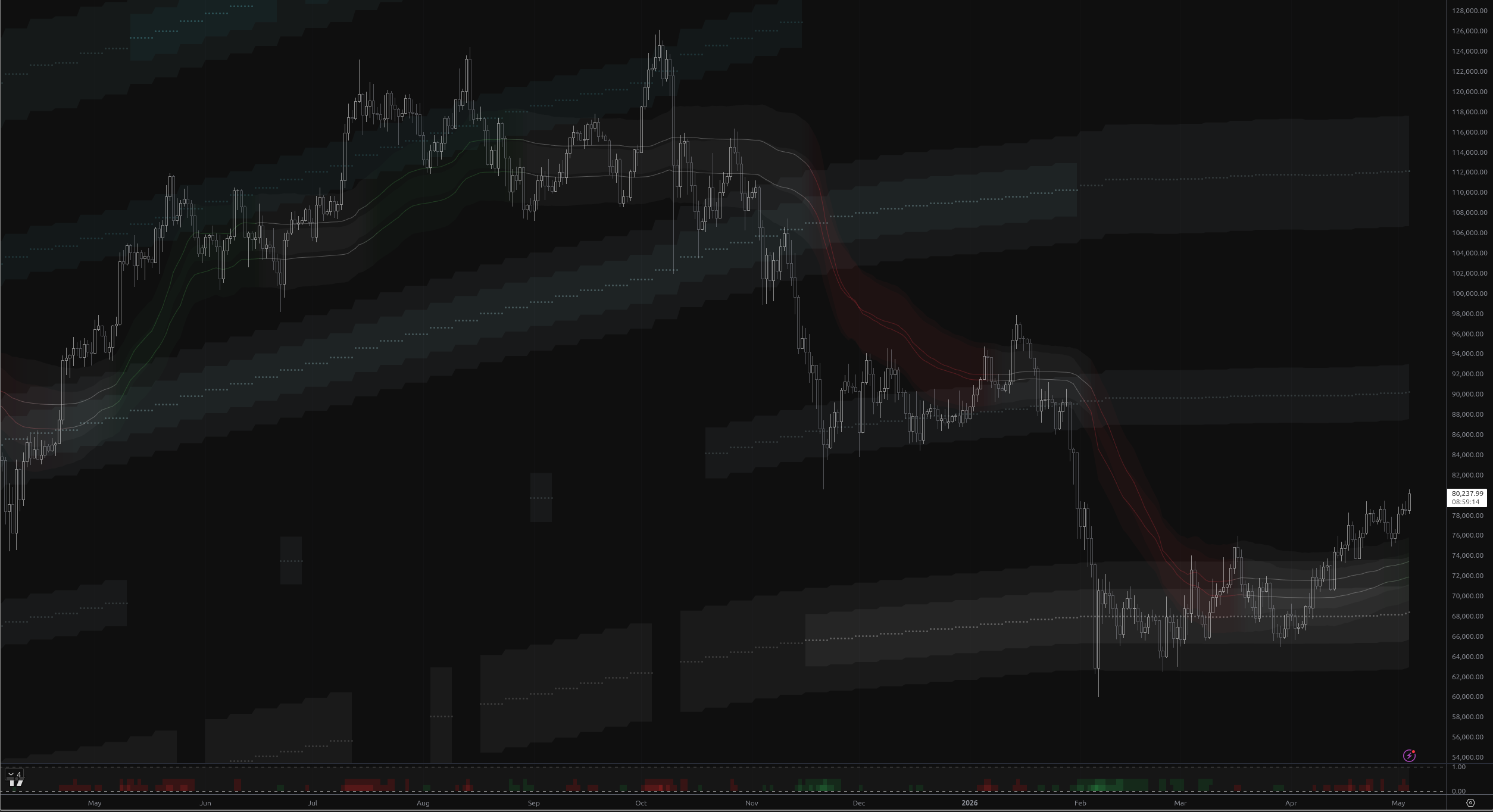
BTC at Critical Breakout Level
BTC closes at $80,482 after breaking the base band ceiling at $73,956, with five consecutive non-rejected closes signaling potential rotation toward the above_1 band ($84,883–$95,811).
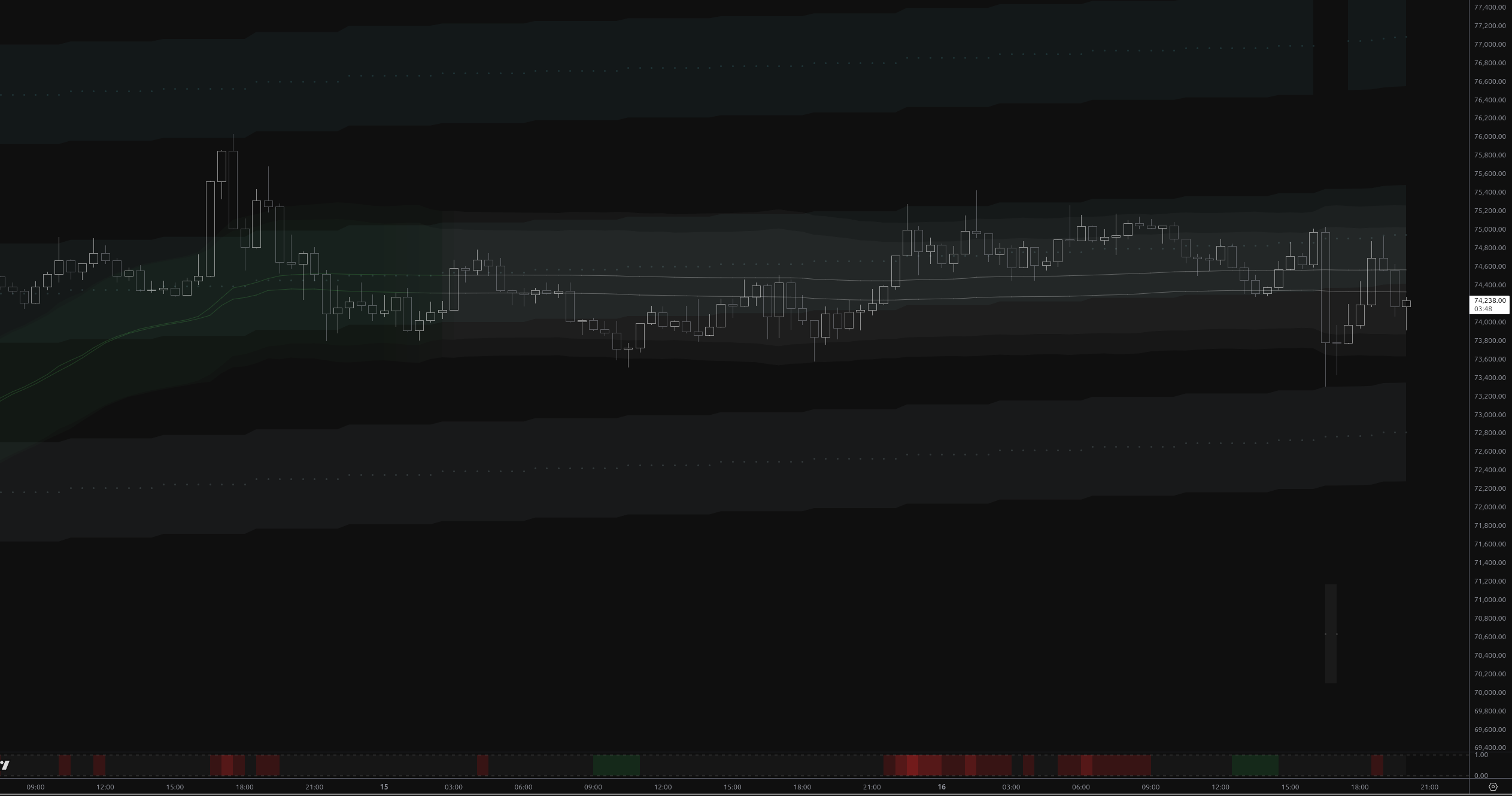
BTC at $74.7K: Distribution Phase Tests Key Band
BTC trapped in above_2 band for 96 bars amid distribution. Sharp recovery to $74.7K faces heavy resistance at $75K.
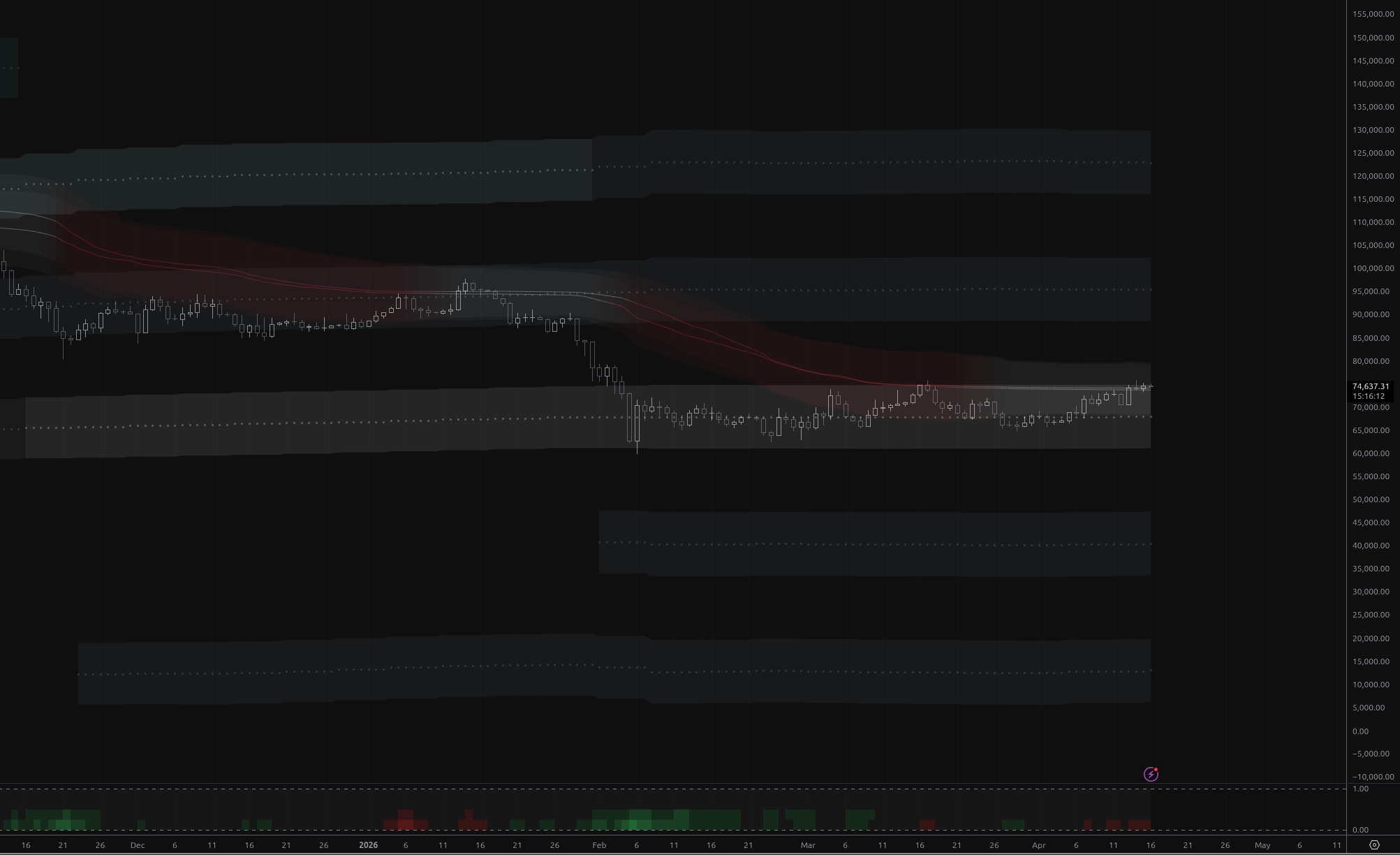
Bitcoin Testing the Ceiling of the Base Band
Bitcoin tests the $75,009 base band ceiling for the second time in three days, but collapsing volume (0.22x average), a mild bearish regime, and persistent distribution state suggest this rally faces significant headwinds
Visual Legend
| Element | Meaning | Interpretation | Common Mistake |
|---|---|---|---|
| Midline | Adaptive Average — the "Fair Value" of the current trend. | Dynamic trend center; price gravitates toward it. | Treating it as a hard wall; it's a dynamic zone. |
| Bands | Dynamic Envelope — adaptive Support/Resistance. | Entries near bands offer better risk/reward. | Assuming price must reverse exactly at the band edge. |
| Fill Color | Slope Intensity — Green/Red = Trend, Orange = Chop. | Use color to confirm directional bias. | Trading the color change instantly without waiting for candle close. |
Settings Reference
Style
MA 1 / MA 2: Main
MA 1 / MA 2: Kalman
MA 1 / MA 2: KAMA
MA 1 / MA 2: Slope
MA 1 / MA 2: Display
MA 1 / MA 2: Style
Alert Types
Price Entered MA 1 Band
Triggered when price enters the MA 1 band from above or below.
Price Entered MA 2 Band
Triggered when price enters the MA 2 band from above or below.
Price Broke Above MA 1
Triggered when price crosses above the MA 1 upper band.
Price Broke Below MA 1
Triggered when price crosses below the MA 1 lower band.
Price Broke Above MA 2
Triggered when price crosses above the MA 2 upper band.
Price Broke Below MA 2
Triggered when price crosses below the MA 2 lower band.
MA 1 Crossed Above MA 2
Triggered when the MA 1 midline crosses above the MA 2 midline (bullish).
MA 1 Crossed Below MA 2
Triggered when the MA 1 midline crosses below the MA 2 midline (bearish).
Frequently Asked Questions
No. Adaptive MA Bands, regardless of selected MA type or any other options, does not repaint historical candles.
It works on all, but lower timeframes (1m-5m) usually require higher Length settings to filter noise compared to 4H or Daily charts.
The bands dynamically adjust based on recent market behavior and the 'Band Height Factor' setting. They widen or narrow as conditions change, providing contextually appropriate levels.
Choose Your Plan
Get access to Adaptive MA Bands with the subscriptions below
Basic
- Adaptive MA Bands
- Price Rejection Oscillator
- Supply/Demand Zones
- Value Area Heatmap
- Support: Email (3-5 business days)
Basic
- Adaptive MA Bands
- Price Rejection Oscillator
- Supply/Demand Zones
- Value Area Heatmap
- Support: Email (3-5 business days)
Pro
- Adaptive MA Bands
- Price Rejection Oscillator
- Supply/Demand Zones
- Value Area Heatmap
- Anchored VWAP Channels
- Anchored VWAP Heatmap
- Support: Email (1-2 business days)
- 30-day money-back guarantee
Pro
- Adaptive MA Bands
- Price Rejection Oscillator
- Supply/Demand Zones
- Value Area Heatmap
- Anchored VWAP Channels
- Anchored VWAP Heatmap
- Support: Email (1-2 business days)
- 30-day money-back guarantee
Elite
- Adaptive MA Bands
- Price Rejection Oscillator
- Supply/Demand Zones
- Value Area Heatmap
- Anchored VWAP Channels
- Anchored VWAP Heatmap
- Market Structure Levels
- Premium ideas: Full Access to our Premium Ideas
- Support: Email (1-2 business days) + Discord Live Support
- 30-day money-back guarantee
Elite
- Adaptive MA Bands
- Price Rejection Oscillator
- Supply/Demand Zones
- Value Area Heatmap
- Anchored VWAP Channels
- Anchored VWAP Heatmap
- Market Structure Levels
- Premium ideas: Full Access to our Premium Ideas
- Support: Email (1-2 business days) + Discord Live Support
- 30-day money-back guarantee
Related Indicators
Other indicators that complement Adaptive MA Bands.
Connect With Us
Join our community of traders and stay updated with our latest tools and market insights.